
Bayanihan run
Tools: Procreate, Figma, Cursor, Claude — and a fair amount of tenacity
Over the weekend I'd been mulling over how to actually get started with vibe coding. I've dabbled in front-end stuff before — way back in the early 2000s — but the tools have changed completely, and keeping up with all of it felt honestly a bit overwhelming. Still, it's becoming clear that designers are expected to be co-builders now: shipping products, producing features, moving fast. For someone who's been designing for a while, I don't think the pace of change has ever been this relentless.
So where do you even start?
There's no shortage of tutorials on my watchlist, and I've had incredibly generous designer colleagues showing the way. But it still feels paralysing — and exciting — in equal measure. So I figured the only way through it was to just start something.
One Sunday afternoon, I jotted down an idea.
Inspired by Google Chrome's Dino T-Rex Runner, I wanted to make a version with a Filipino twist: Bayanihan Run. The timing felt right — I'd just finished writing a chapter for an academic design book about Filipino history and values (more on that soon).
Bayanihan (literally, communal solidarity) is a Filipino cultural tradition where an entire community comes together to physically carry a nipa hut to a new location (Francia 2021) . Bayanihan Run works the same way. Instead of a T-Rex, the hero of this game is a group of Filipinos carrying a nipa hut on their shoulders.
Making the game
I started with a rough sketch and some loose game mechanics, then moved into Figma to build out mockups and assets — getting a feel for the layout and the screens I'd need. The hardest part, honestly, was drawing the walking animation frames for the characters. I used menddev's work as a reference.
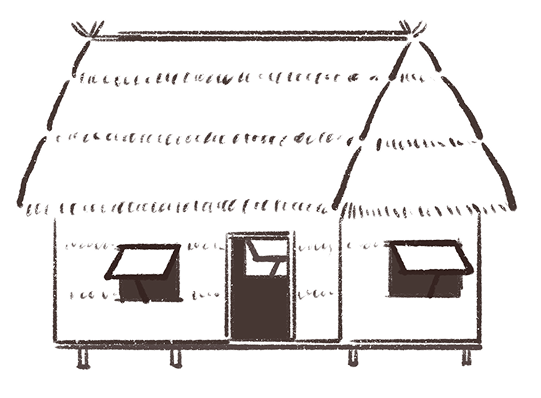
The nipa hut sketch using Procreate
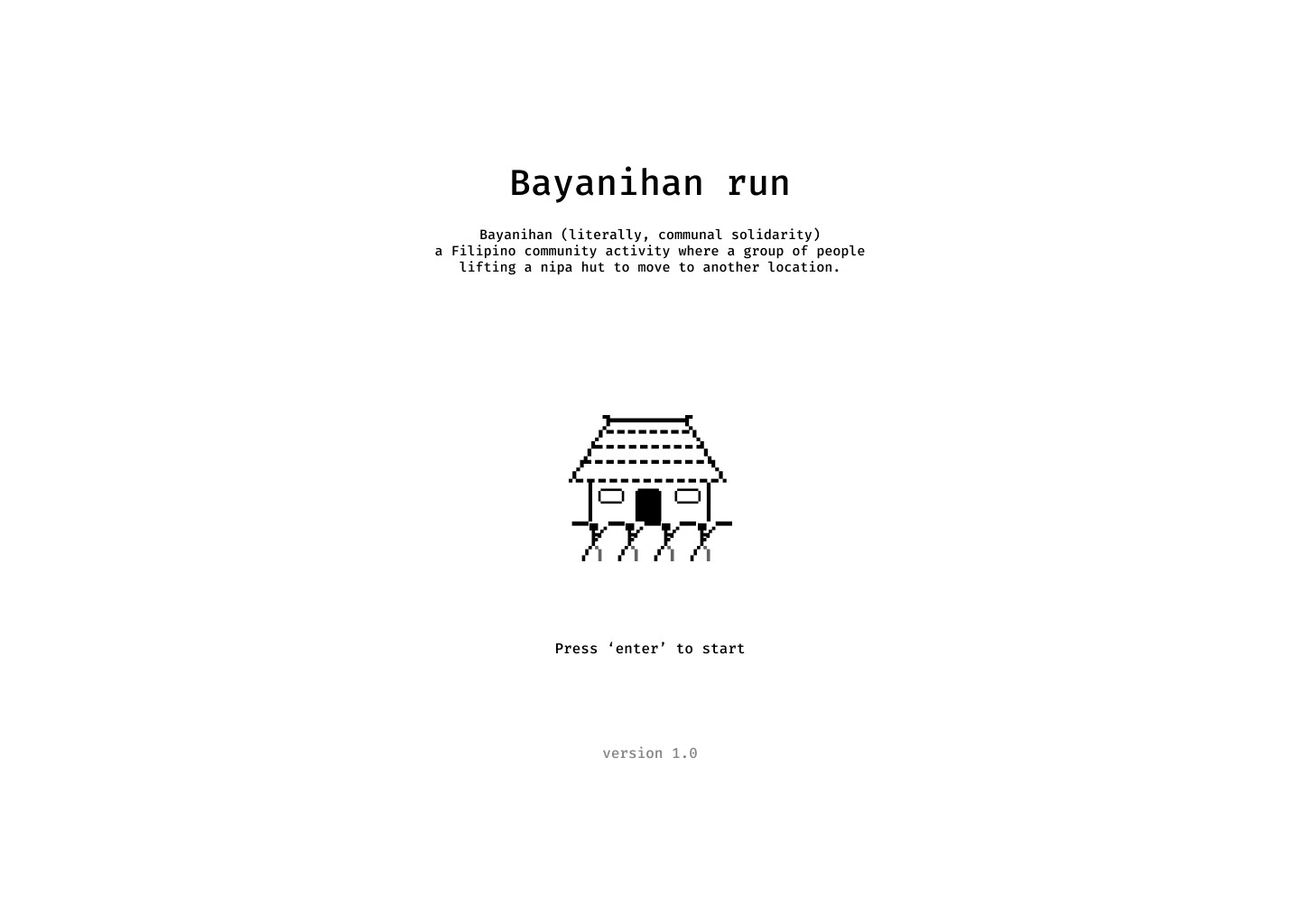
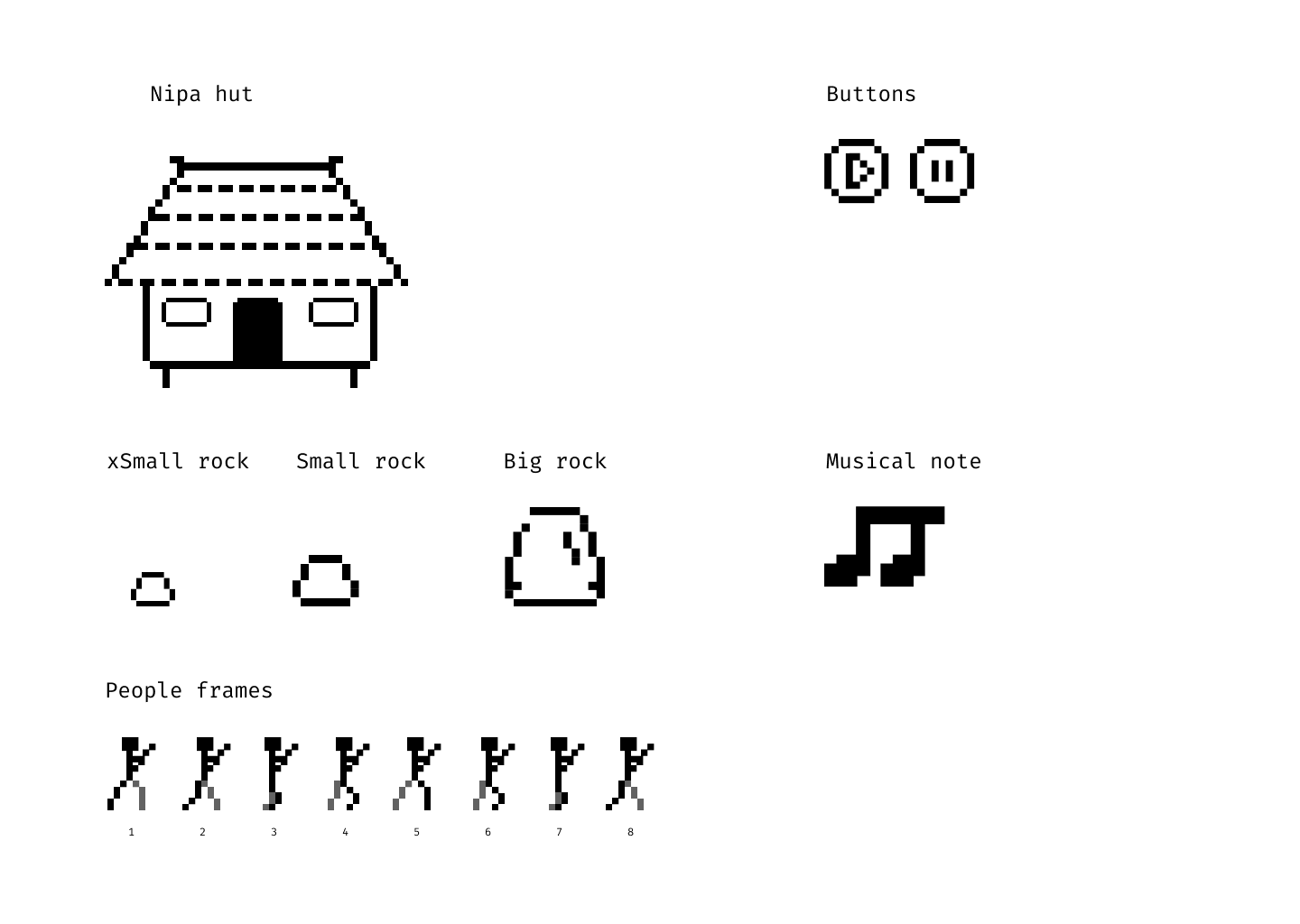
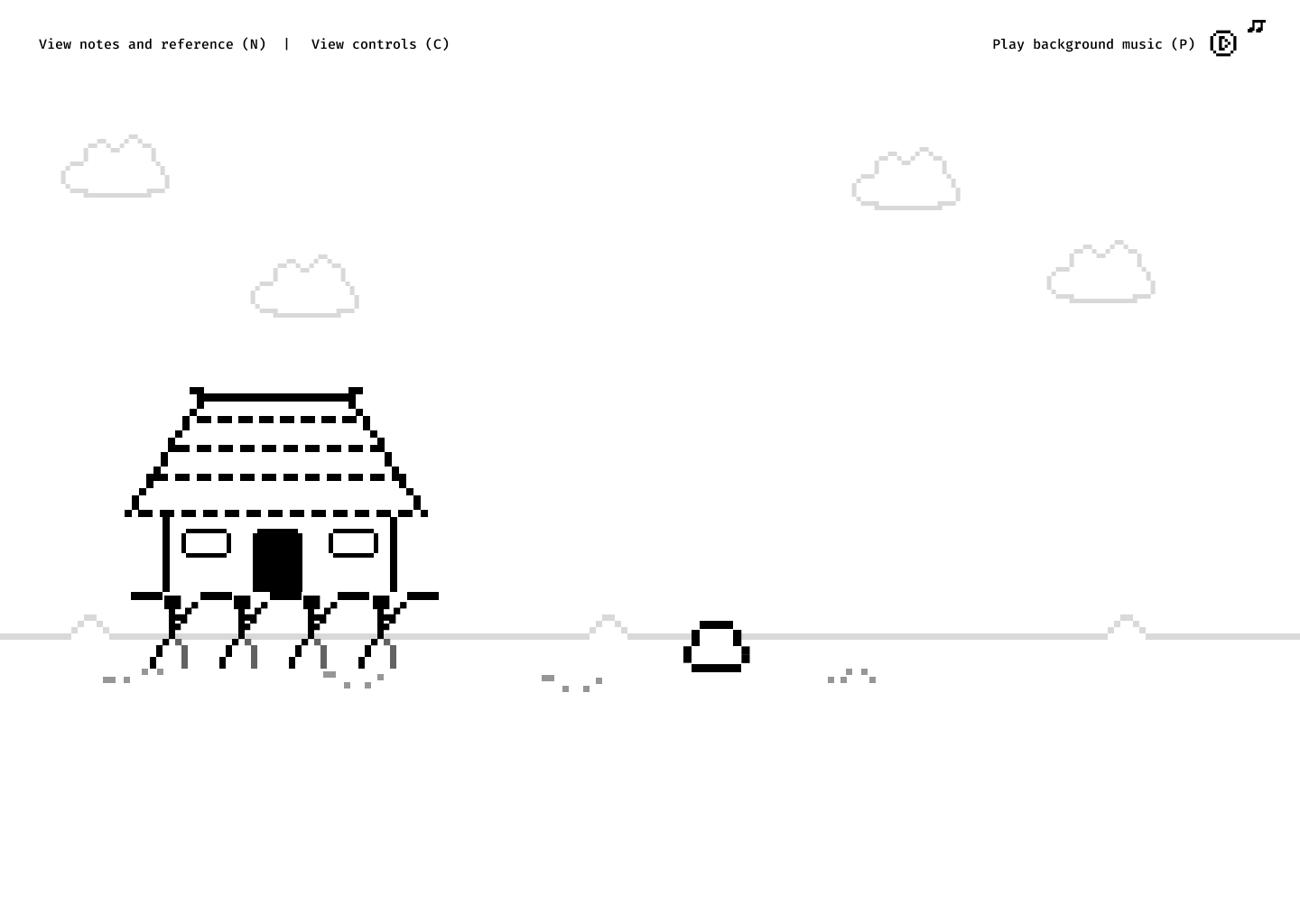
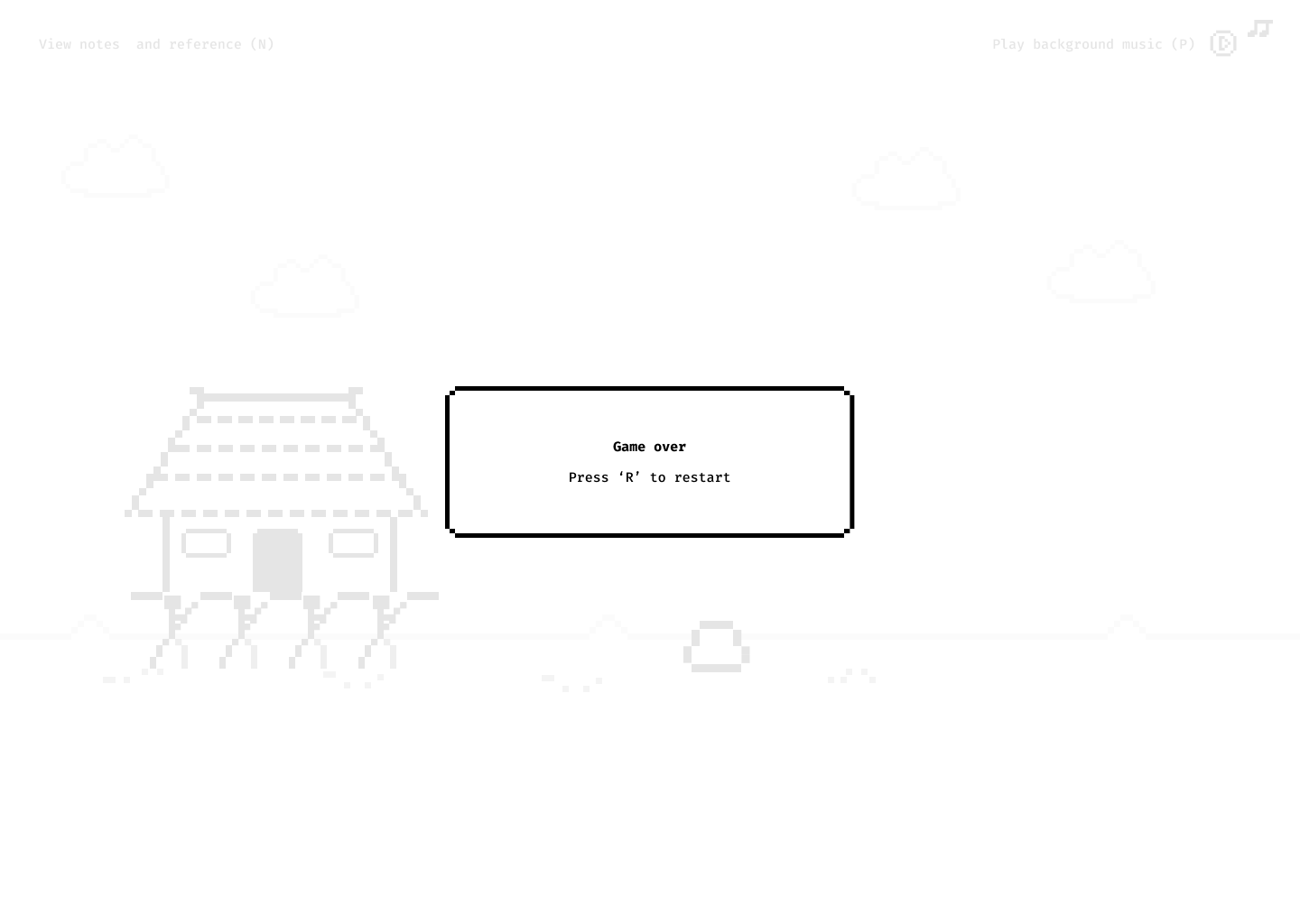
Screens and assets designed in Figma
From there, I wrote a project brief in Claude, which laid out the full instructions for Cursor — essentially a detailed handoff document that the AI uses to understand what to build. I'd already set up a local folder with all the game assets ready to go.
Working this way also gave me my first real feel for Terminal. Think of Terminal as a direct line to your computer — instead of clicking through folders and menus, you type commands to tell it exactly what to do. For things like starting a local server or installing tools, it's actually faster once you get used to the syntax.
In Cursor, I set up two extensions. The first was Claude (so I could use the Sonnet model directly inside the editor for questions and code suggestions). The second was Live Server — a tool that instantly previews your project in a browser window as you make changes, so you're not constantly refreshing manually. Together, they made the feedback loop much tighter.
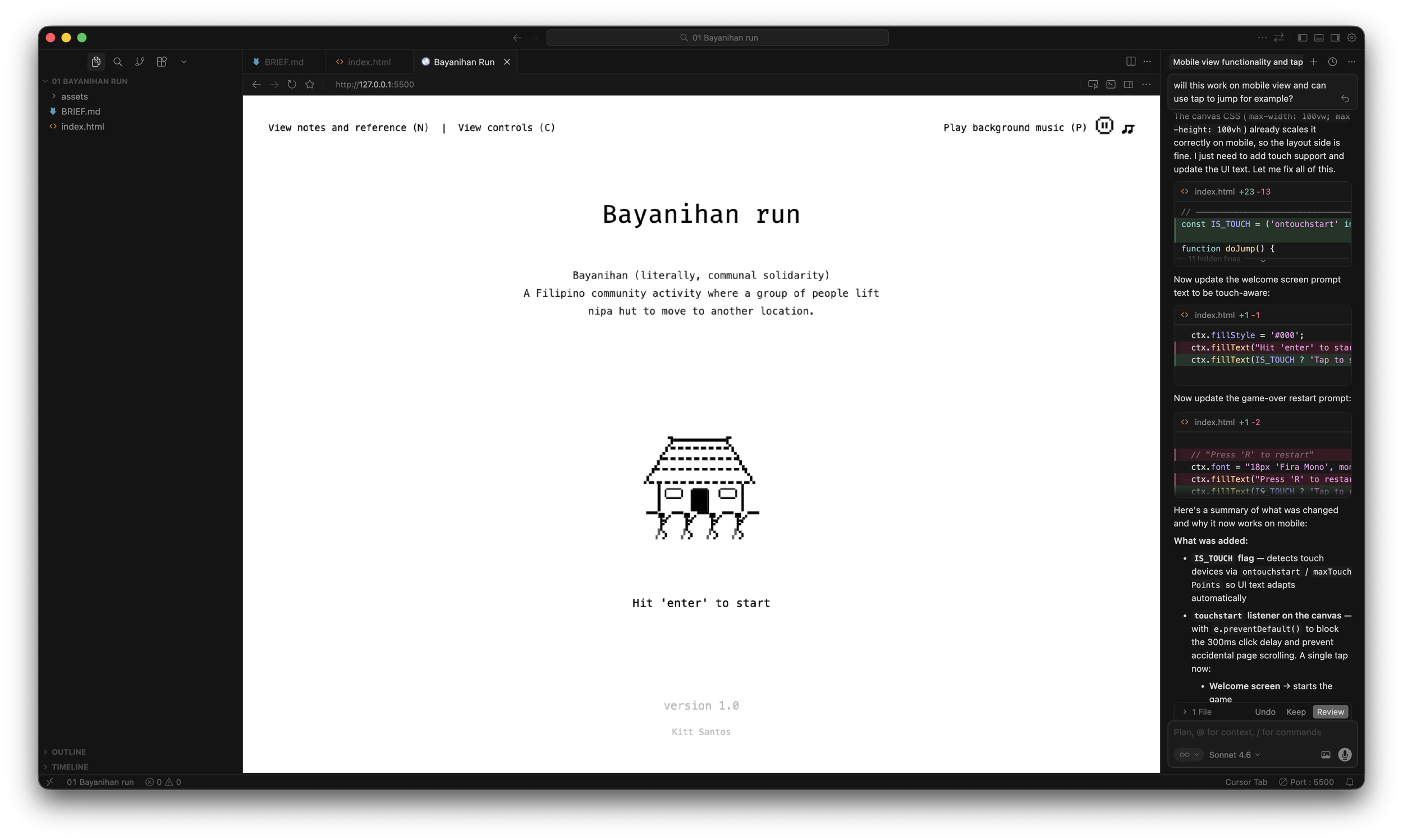
Bayanihan run on Cursor
Don't expect Cursor to get everything right on the first pass. It took a solid few hours just to get the basics and layout working properly. And even though I was mostly using the chat to adjust design and code, I'd occasionally switch to the code view to tweak small things like padding values, volume levels, text strings, or add a URL.
Sometimes things broke. The layout went sideways a few times; the controls stopped responding once or twice. That's fine. Running into those problems early is actually the point — each one teaches you something.
After a few hours, version 1.0 was live.
Progress over perfection. I'll probably revisit it, maybe get it working on mobile. But for a Sunday afternoon project, I'll take it.
References:
Luis Francia, A History of the Philippines: From Indios Bravos to Filipinos (New York: Abrams Press, 2021), 26–27.
Credits:
BGM: “Filipino songs but it's lo-fi” by Ryan
SFX: Advik Singh and Alphix from Pixabay.